Scan it or shoot it
A barcode resolves against USDA, then Open Food Facts — no key needed, so it works on a device that has never signed in. A photo of the plate comes back as separate foods you can correct.
Free · No account · Works offline
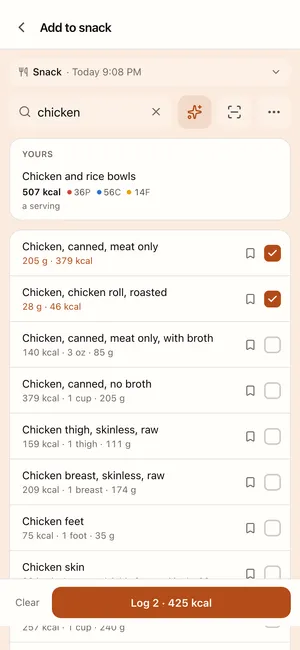
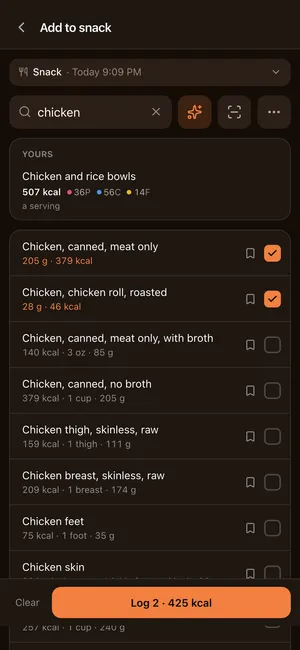
Tick four foods and they log at the amounts you actually eat. Your calorie target comes from what your weight and your intake have done — not from a formula about someone your size.
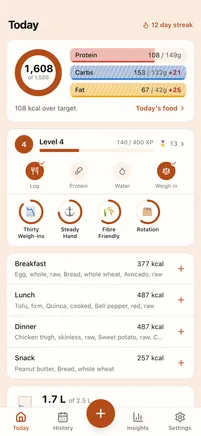
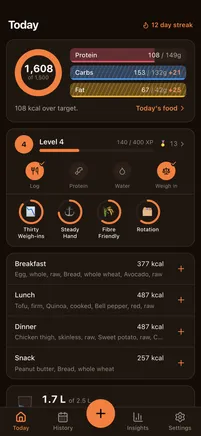
Today
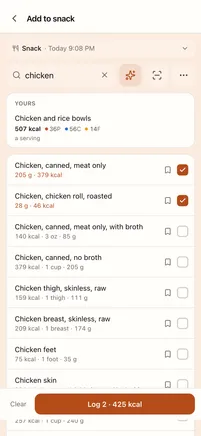
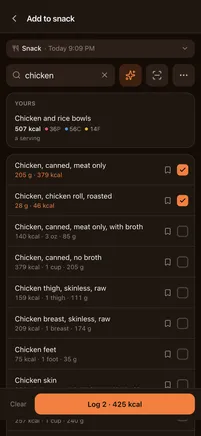
Log several at once
Portions, with weights
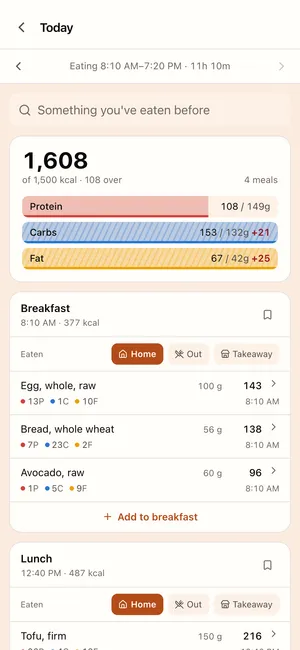
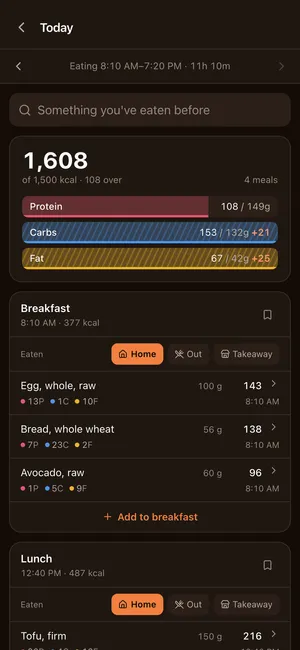
A day, editable
Cook from it
What should I cook
Insights · Overview
Measured expenditure
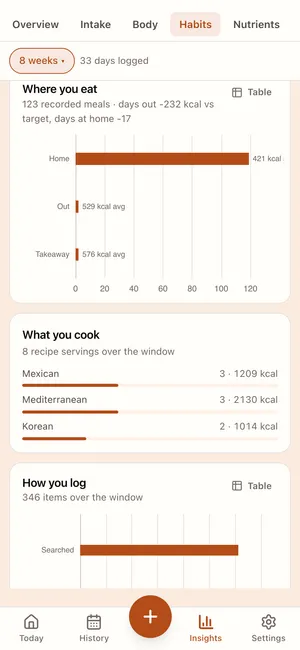
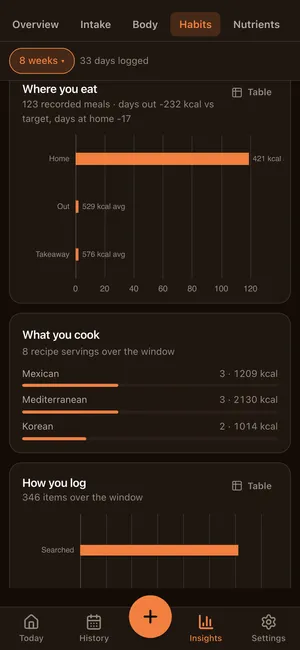
Where you eat
History
Coach
Settings
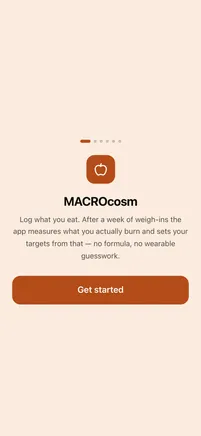
First run
Everything included — nothing behind a paywall
Logging
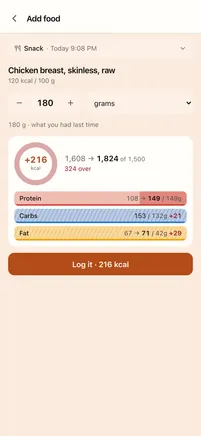
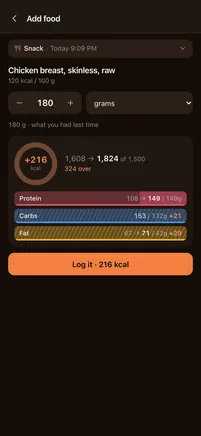
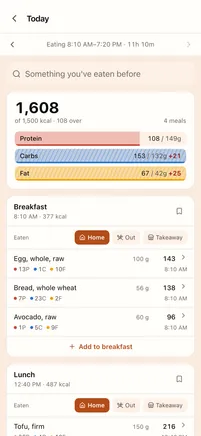
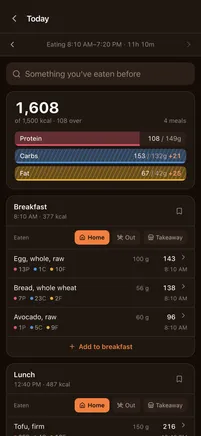
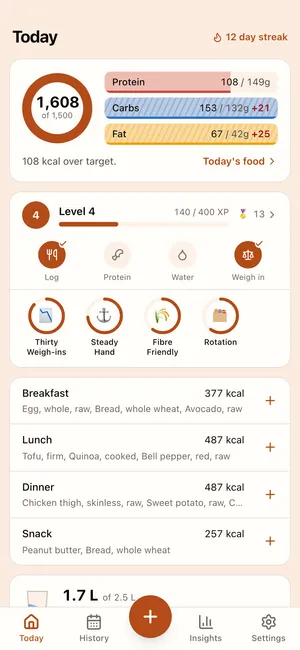
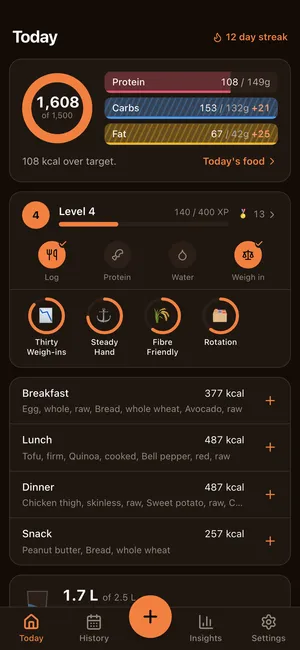
Tick everything you ate and log it in one go. Each row arrives at the amount you had last time — the portion, “2 slices”, not the grams it came to — so most days are typing nothing at all.
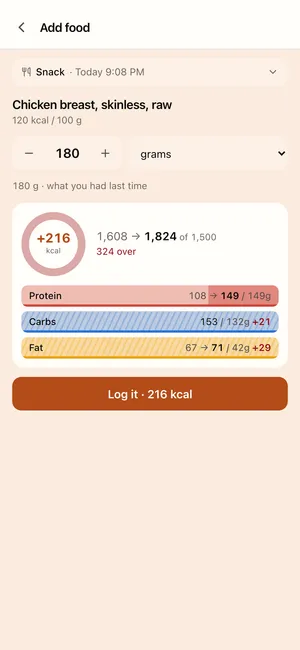
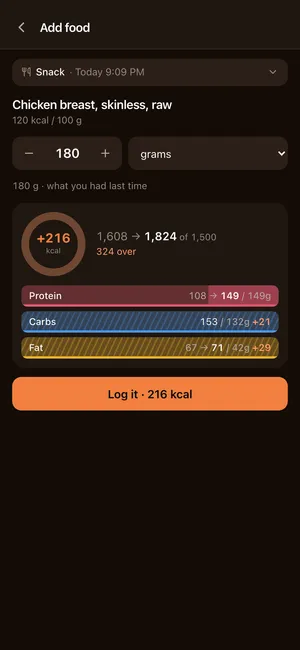
“1 serving” is wrong for almost everybody on almost every food. Yours is remembered per food, and re-typing 180 g of chicken daily is the friction that ends a diary.
“4 oz · 113 g”, “1 cup · 158 g”. USDA’s own labels are a mix of units with no common scale, and “1 RACC” means nothing to anybody.
Scan a barcode, photograph the plate, describe the meal in a sentence, or type calories only. A food the databases have never heard of takes thirty seconds to add.
Targets
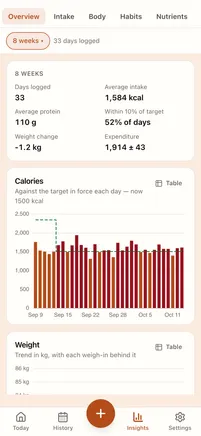
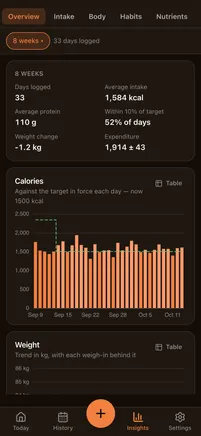
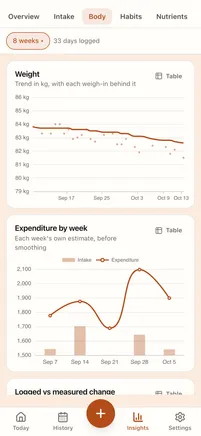
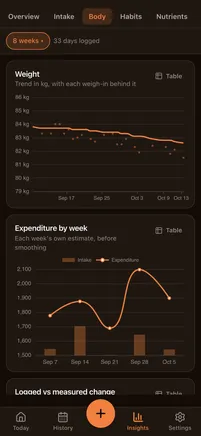
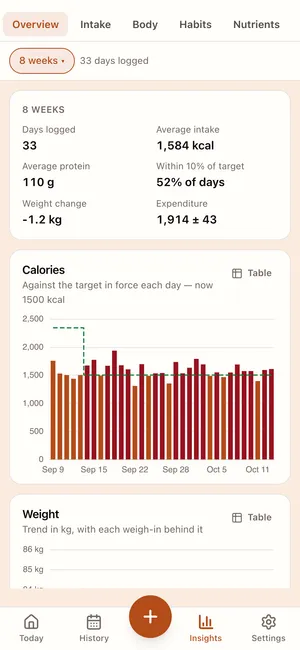
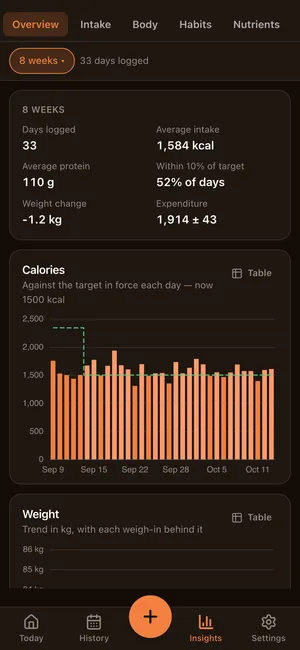
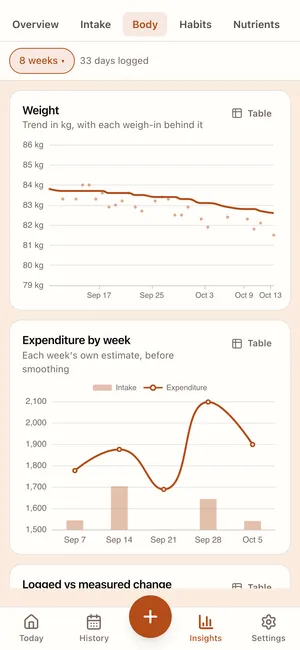
Most apps compute what someone your height and age burns. This one watches what your weight and your intake actually did, and works backwards to what you burn — with an error bar, because it is an estimate and pretending otherwise would be the lie.
A check-in compares the trend against the plan and moves the target if it has to. You approve the change; nothing is adjusted behind your back.
A rate is a good input and a useless thing to aim at — nothing ever satisfies “lose 0.5% a week”. Set a weight, and the date comes from the measured trend as well as the intended one. Where those disagree is the interesting part.
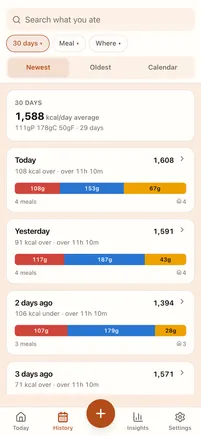
History uses the target that was in force then, not today’s. Otherwise changing your goal silently rewrites whether last month went well.
Coach
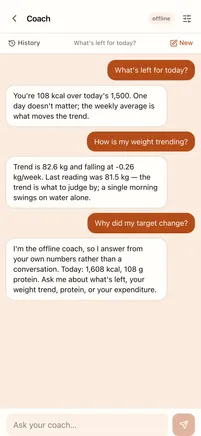
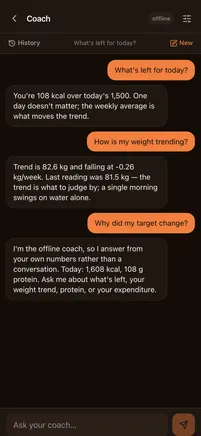
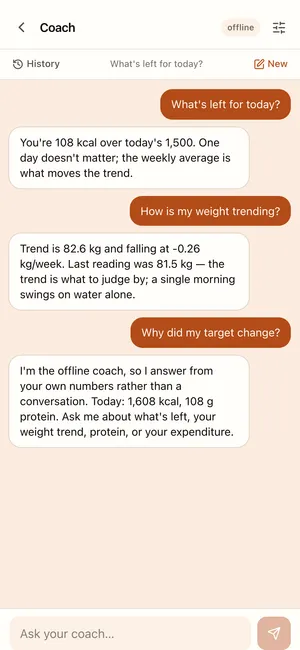
Ask what’s left for today, why the week stalled, or what to make with 700 calories to spend. It fetches your own days, weights and targets to answer — and anything it offers to log arrives as a card you confirm.
What’s left for today?
640 kcal and 48 g of protein. Fat is already at target.
Give me a dinner that fits.
Your chicken and rice bowl at one serving lands at 610. Log it?
Days, weights, targets, recipes — fetched by name when the question needs them, so an answer can be checked against the screen it came from.
A suggestion arrives as a card with its calories on it. You tap to accept, and it writes the same rows any other path would.
With no key and no signal, a local coach answers the countable questions — what’s left, how the week went — instead of showing you an error.
Recipes
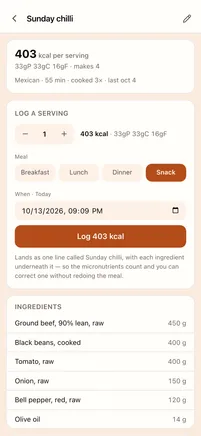
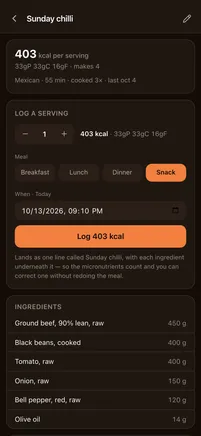
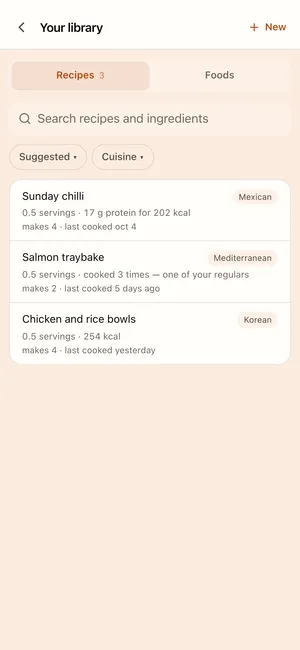
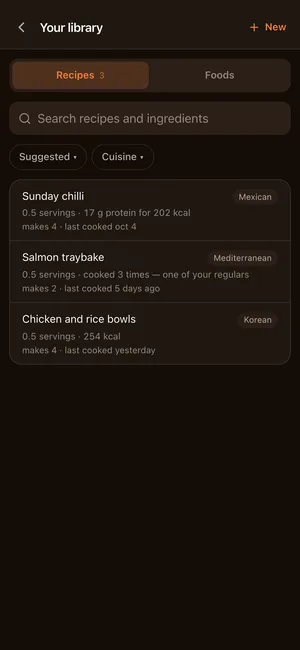
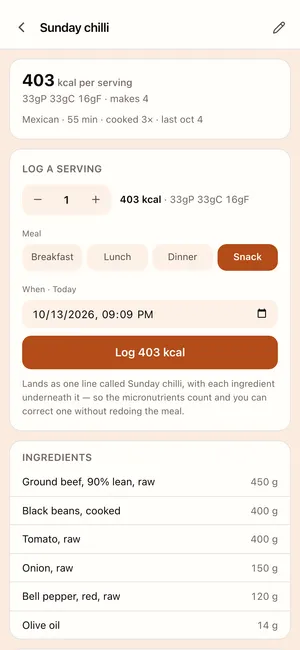
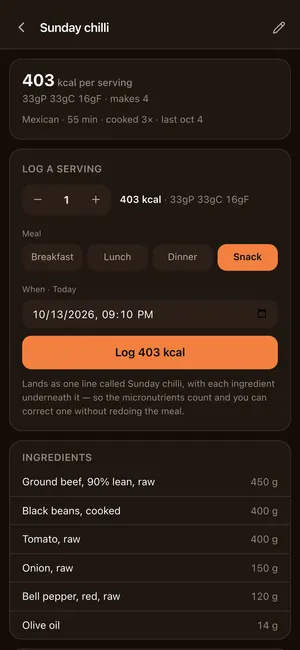
Recipes arrive whole — the ingredients as written, the method, the servings — and end up as food you can log by the half-serving. Nothing nutritional is ever read off the web page.
“1/2 pound lean ground beef” is 227 g, worked out on your device in about a second. A cup becomes grams from that food’s own USDA portions, because a cup of flour is 120 g and a cup of oil is 218 g.
So the day keeps its micronutrients, each amount stays editable, and it can tell you the ricotta was a third of the calories. A single total has no food behind it.
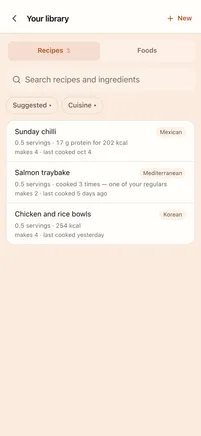
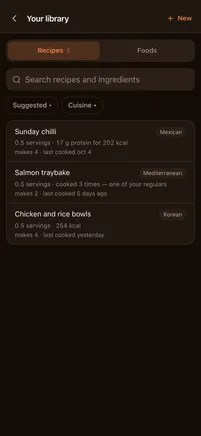
What fits in what’s left of today, what you actually cook, what you haven’t had in a while — ranked, with the cuisine mix kept honest by counting sittings rather than rows.
A barcode resolves against USDA, then Open Food Facts — no key needed, so it works on a device that has never signed in. A photo of the plate comes back as separate foods you can correct.
A glass is one tap. Reminders are times you choose — including for snacks and the weigh-in — rather than five presets that never include 12:15.
A trend line through the scatter, every reading still visible behind it, and the goal line drawn through it.
Fibre, sodium, potassium, calcium, iron, sugar and saturated fat, scored against a daily reference — because the generic USDA rows carry them.
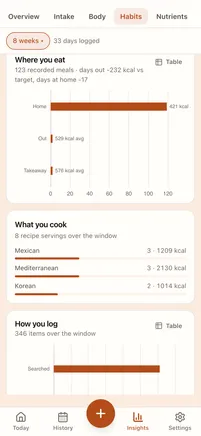
Asked once, on the finished meal, and counted by sitting — so a restaurant dinner logged as six items doesn’t outvote a home one logged as one.
Export every row as JSON, restore it anywhere, and delete the account from inside the app. The device is the source of truth; the server is a copy.
Questions
Yes — no subscription, no paywalled charts, no ads, and no account needed to start. The paid tiers in other trackers are mostly the parts that are here by default.
USDA FoodData Central, and Open Food Facts for barcodes. Over 2,250 rows ship with the app, nearly all of them generic or composite, so search works with no signal at all — and they carry portions and micronutrients, which crowd-sourced entries usually don’t.
Everything except a web import and the AI. Logging, search over what’s on the device, editing a day, weighing in — all instant, because the device is the source of truth and the network is never in the way.
There are no analytics or crash SDKs. Signing in is optional. The one thing worth knowing: a food search sends the words you typed, and the photo feature sends the photo — both to answer that request, nothing else. The privacy policy lists every path that leaves the device.
It doesn’t have to. Expenditure is measured from your own weight trend and intake, so the training you did is already in the number. Adding a watch’s active energy on top would count it twice.
One app. The iPhone build is on its way to the App Store; on Android and the desktop, open the web app and install it to your home screen. Same build, offline either way.

No sign-up, no trial, no card. Search a food, tick it, and it is on the day at the amount you had last time — offline, and in about the time it takes to read this.